….and a lot of Lightroom.

….and a lot of Lightroom.

I’ve been diving into macOS 26 Tahoe these past weeks, and one thing stands out: Liquid Glass. Apple’s new UI treatment makes the system feel alive in a way that’s both modern and familiar. It’s sleek, it’s smooth, and it finally feels like the Mac is getting the kind of visual polish that belongs in 2025.
That said, I can’t help but think it could go even further. Imagine deeper shadows under buttons, more depth in layered elements, and just a bit more “glass” in the glass. The foundation is brilliant, but there’s room to push it from “great” to “stunning.”
Spotlight deserves a mention too. The new version isn’t just an upgrade—it’s a complete reinvention. It’s so good that I’ve actually stopped using Raycast. Fast, powerful, and tightly integrated into the system, it feels like the Mac finally has the universal launcher it always deserved.
On the iPad side, iPadOS 26 is exactly what many of us have been waiting for. For the first time, it feels less like a mobile device with extras and more like a true computer in its own right. Real multitasking, pro-level apps, and the flexibility to actually replace a laptop in day-to-day workflows.
And then there’s iOS 26. Clean, refined, and surprisingly elegant. Some people have complained about readability, but honestly, I don’t see the issue. Maybe it’s not the typography—maybe it’s time for an eye exam.
Apple’s new OS lineup feels like the start of a fresh chapter. The glass is here. The only question is how much further Apple will let it shine.
I keep hearing the same tired complaint on tech podcasts, forums, and random YouTube rants: “You can’t really game on a Mac.” Honestly, that narrative is getting old. I’ve been playing World of Warcraft on my MacBook Pro and iMac for years, and the experience has always been excellent.
Let’s be clear: the modern MacBook, especially with Apple Silicon, is more than capable of handling WoW. The game runs smoothly, looks fantastic, and integrates seamlessly with the rest of my setup. I don’t need to tweak endlessly with drivers or worry about sudden crashes that used to plague me back when I played on Windows. It just works — which is what you actually want when sitting down for a raid night.
Another point worth mentioning: macOS Tahoe. The new OS is not only stable but brings a fresh sense of polish to the whole experience. The Liquid Glass UI in particular is stunning — subtle, modern, and surprisingly immersive even when just alt-tabbing between WoW and my other apps.
Yes, you can absolutely play on a Mac. The myth that Macs are bad for gaming is outdated, mostly repeated by people who haven’t tried it in years. Is it the platform for every PC game ever made? No. However, if your main title is World of Warcraft, a MacBook offers a combination of performance, reliability, and elegance that makes the experience not only viable but enjoyable.
Stop listening to the noise — try it yourself.
Snow leopards are among the most elusive big cats on Earth, roaming the high mountains of Central Asia with quiet strength. Their thick, spotted coats make them masters of camouflage in snow and rock. Apple once honored this rare predator by naming its 2009 operating system Mac OS X Snow Leopard, highlighting both the animal’s grace and the company’s focus on refinement over change. Just as the snow leopard thrives in one of the harshest environments, the OS was built to run with power and efficiency beneath a polished surface.

In the frozen darkness after the Big Bang, the very first spark of chemistry flickered into existence: a strange hybrid known as the helium hydride ion (HeH⁺). Against impossible odds, this exotic molecule became the key to unlocking molecular hydrogen — the cosmic fuel that allowed the universe’s first stars to ignite. Fast-forward 13.8 billion years, and scientists on Earth have finally managed to recreate those primordial reactions inside a cryogenic storage ring, proving that the chemistry of creation is far more efficient than anyone dared to imagine. Without HeH⁺ there would have been no stars, no galaxies, no planets… and ultimately, no humans to dream, explore, and build. In other words: without that first molecule, there would be no MacBooks on our desks today.
I thought I was perfectly happy with my old keyboard. It did its job, typed letters (and sometimes even numbers), and never complained. But then one day, it popped up in my feed – Keychron V3 QMK TKL RGB Knob. A name long enough to require both a deep breath and a cup of coffee, but behind it hides a small gem of plastic and aluminum.
There’s something special about a good mechanical keyboard. The feel of your fingers landing on the keys, the precise feedback, and the sound – or rather, the lack of it – from the K Pro Red switches create a linear, smooth typing experience. This makes it perfect for late-night WoW sessions or long writing discussions with ChatGPT without disturbing the peace at home.
QMK and VIA support means I can remap keys until the whole keyboard feels like a tailor-made extension of my brain. The volume knob is pure joy – I mostly use it to adjust music volume while I work, but sometimes it scrubs through timelines in Logic or Lightroom.
And the RGB lighting? Sure, I know – it’s mostly for show. But when I dim the lights in the evening and my whole desk glows softly in blue and purple… well, it almost feels like I’m sitting on the bridge of the USS Enterprise, waiting for Spock to give the order.
In short: The Keychron V3 hasn’t just replaced my old keyboard – it’s made typing and gaming more fun. And when you find tech that feels and sounds just right, you know you’ve made a good purchase.
For quite some time, I’ve been on a mission to find the ideal monitor for my needs—a display that delivers precise color accuracy for photo editing in Lightroom, reliable HDR rendering for both visuals and video, and sharp enough resolution to make working with text effortless. I use a 16” MacBook Pro with an M1 Pro chip, so compatibility and clean signal handling over USB-C were also key requirements.
After evaluating several options, the Apple Studio Display was a natural first consideration. However, its price-to-performance ratio, particularly in terms of HDR support, made me hesitate. While LG monitors offered solid specs on paper, they lacked proper Display Stream Compression support and often showed subpar text sharpness at 5K.
After extensive research, countless evenings spent reading forums and reviews from sources like RTINGS and Prad, I ultimately chose the ASUS ProArt Display PA27JCV – a 27-inch, 5K, 60Hz panel with DisplayHDR 400, DisplayPort 1.4, and USB-C connectivity. And it quickly became clear: this was the right decision.
The out-of-box color calibration was excellent. The display handles both Display P3 and sRGB profiles accurately, and after testing, I settled on working in P3 mode—perfectly matched to macOS. HDR mode performs impressively—it doesn’t appear washed out as it often does on PC-oriented displays. I consistently get crisp visuals, strong brightness when needed, and pleasing results in macOS’s Dark Mode.
Text clarity at 5K resolution is outstanding—even compared to my previous 2014 5K iMac. It makes reading and writing feel more natural, reducing eye strain significantly.
There’s always some hesitation when investing in a new component—especially one as central as a display. But this time, everything aligns. I am, simply put, extremely satisfied. ASUS has delivered a professional-grade, reliable, and visually excellent product that integrates seamlessly with the Mac—no compromises.
The search is over.
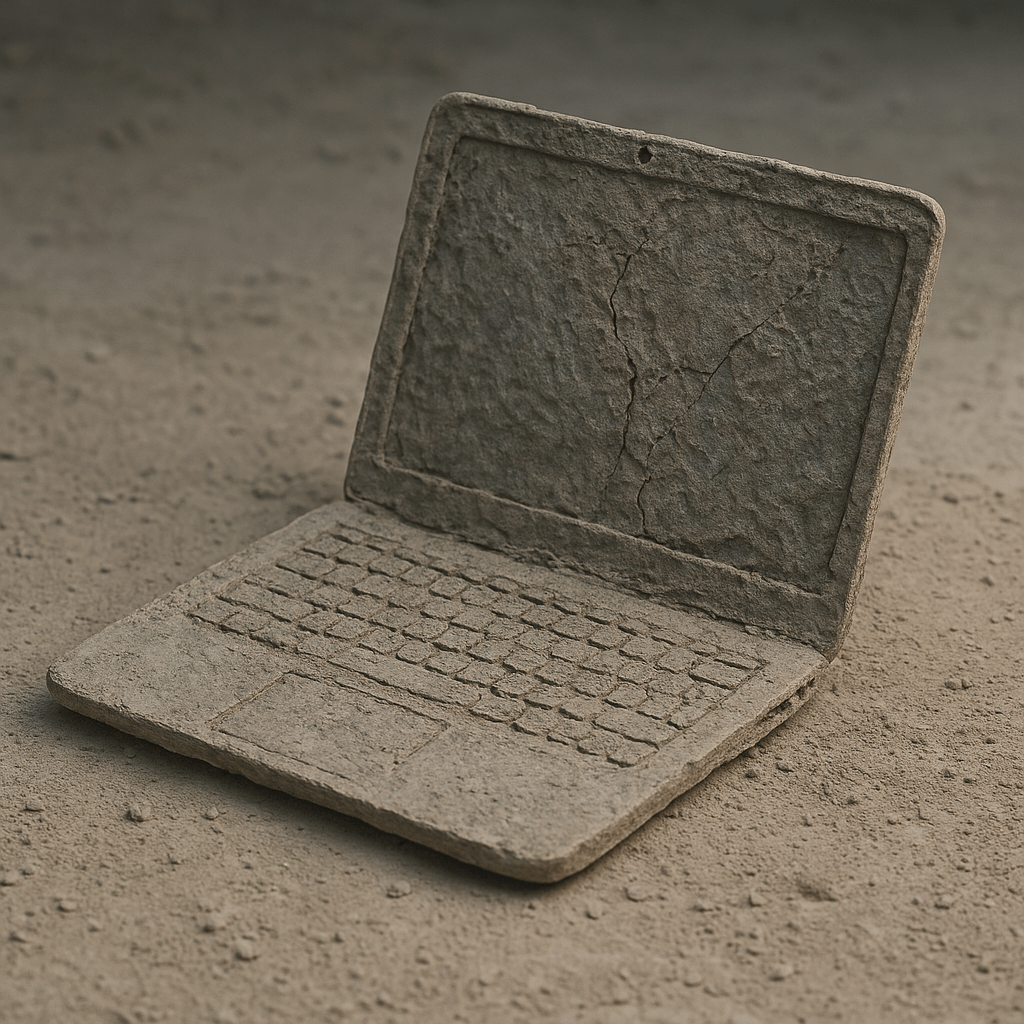
Told ChatGTP: Create an image of whatever you want.
This was the result; it looks calm.

I’ve been switching between Halide and Indigo for a couple of weeks now, and some clear differences have emerged in how they behave – and what they encourage.
Halide forces me to slow down and think. It refuses digital zoom, which I actually appreciate – it keeps me disciplined. I get full manual control over focus, exposure, ISO, and white balance. It takes more time, but the results are technically cleaner, especially in RAW. Halide feels like a tool, not a filter.
Indigo, on the other hand, is more convenient. It often produces great-looking shots straight out of the app, especially in daylight. But I’ve noticed something strange: in low-light scenes, green pixels sometimes appear in the shadows. Something in its noise reduction or AI pipeline introduces artifacts, which makes dark shots occasionally unusable for me.
I like both – but in different ways. Halide when I want control. Indigo when I want something quick and good-looking in decent light. But in the dark, Halide wins. Every time.
This is taken with my iPhone 16 Pro. Some of it is AI, some is real.